KPK iEMIS Portal – School Data and Login Guide
What Is iEMIS?
iEMIS stands for the integrated Education Management Information System of the Elementary and Secondary Education Department (E&SED), Government of Khyber Pakhtunkhwa. It is the department’s central digital system for running the province’s public schools. The department describes it on its own website in these words: it developed iEMIS “to digitally connect all its attached formations in order to facilitate informed decision-making, better planning, monitoring, evaluation and student learning outcomes.”

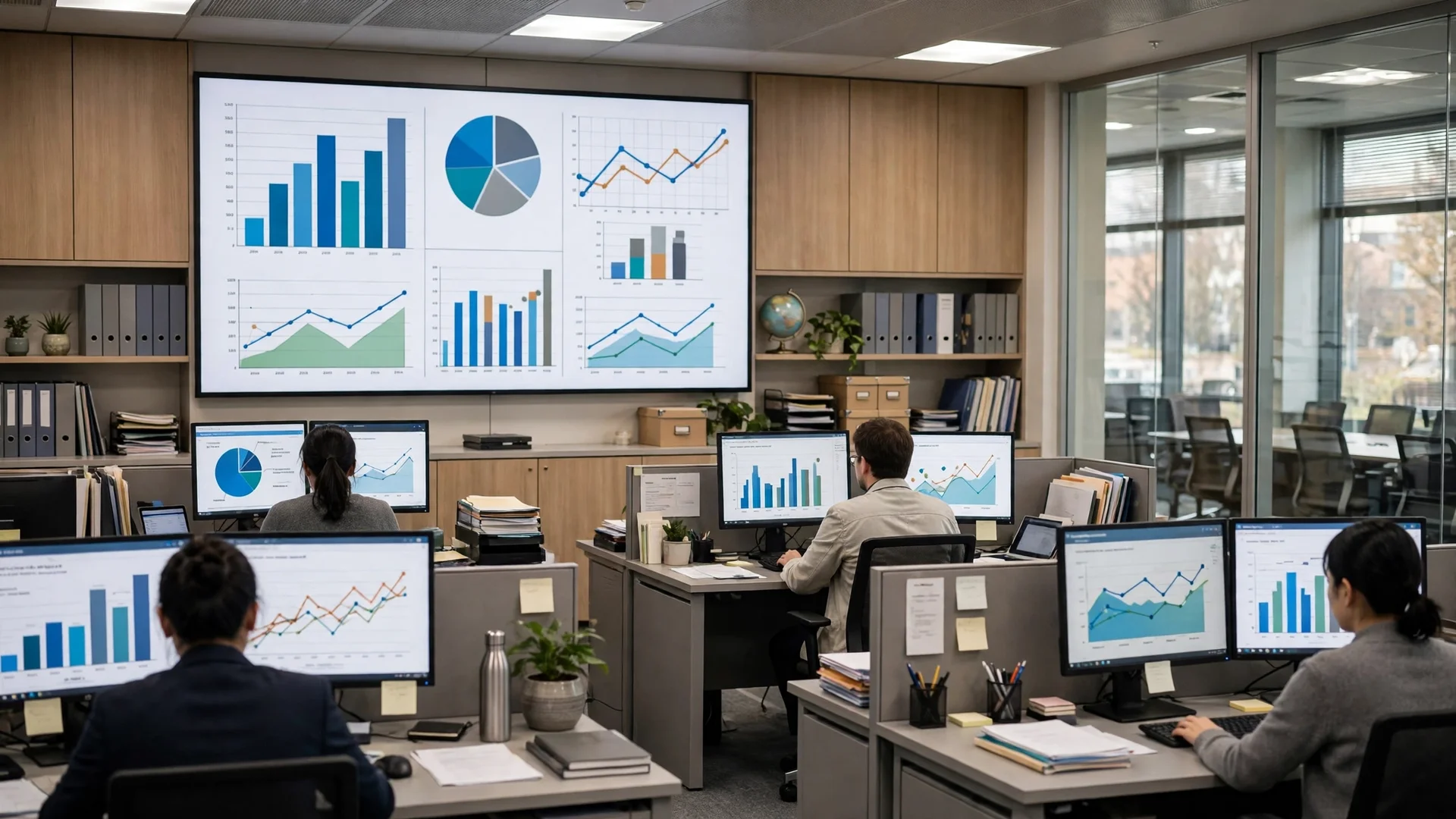
In plain terms, iEMIS is where the department keeps its records about schools, students, teachers, and staff — and where schools and officers enter, check, and use that information. Before systems like this existed, school data travelled on paper from school to district to province, which was slow and easy to lose. iEMIS puts the record online, so a school’s information can be entered once and then used by the district office, the Directorate, and the provincial department.
The system is large. According to UNICEF, which supports the programme with the Global Partnership for Education, iEMIS now covers all districts of the province, profiling more than 5.4 million enrolled children and digitising the records of 240,000 education employees. In Haripur district alone, more than 700 schools use iEMIS to manage enrolment, attendance, infrastructure data, and Parent-Teacher Committee requests. When a child’s name appears in iEMIS records, the district can trace where that child was enrolled before and follow up — which is how the system has helped bring out-of-school children back into school.
iEMIS is a role-based system. The department states that permissions are provided to each user according to their job description and domain, so each user sees the data and functions relevant to their own role. A head teacher, a district education officer, a section officer, and a provincial officer all log in to the same system but see different things.
The Modules Inside iEMIS
iEMIS is not a single form. It is made up of several modules, each covering one part of the department’s work. The modules include:
- School Management Information System (School MIS) — the record of each school: its identity, buildings, facilities, and overall profile.
- Student Management Information System (Student MIS) — enrolment and student records.
- Human Resource Management Information System (HRMIS, also called HRIS) — the record of every teacher and employee: qualifications, experience, postings, and service history.
- Asset Management Information System (Asset MIS) — the department’s assets and equipment.
- School Self Reporting (SSR) — the module through which each school enters, updates, and verifies its own basic data for the academic session.
- E-Transfer — the online system for teacher postings and transfers, where eligible teachers apply using their iEMIS credentials.
- Talent Pool — the system for contract teacher recruitment, through which applicants apply for teaching posts.
- E-Notification — the system that issues posting and transfer orders and notifications with a QR code for instant verification.
Because these modules share one system, a change in one place flows to the others. When a posting or transfer order is issued through the e-notification module, the staff record is updated automatically in real time. When a teacher applies for a transfer, the application draws on the HR record already held in iEMIS. That is the point of an integrated system: one record, used everywhere, instead of a different file in every office.
Who Uses iEMIS?
iEMIS is used by people across the whole education department:
- Head teachers, principals, and school focal persons use it to report school data through SSR and to keep their school’s record up to date.
- Teachers and other employees are recorded in the HR module. They also use their iEMIS credentials to log in to related services, including the e-Transfer portal and the KPESE HR Attendance App.
- District Education Officers, SDEOs, and ASDEOs use it to monitor schools, verify data, and manage staff in their districts.
- District iEMIS focal persons are the local technical support for schools and offices in their district.
- Directorate and provincial officers — including the Director E&SE, section officers, and the Provincial EMIS team — use it for planning, monitoring, and decision-making across the province.
Parents and the general public do not log in to iEMIS. It is a department system for department staff. If you are a teacher, your direct contact with iEMIS will usually be through the HR record, the e-transfer application, the attendance app, or your school’s SSR reporting.
What You Need Before You Start
What you need depends on which part of iEMIS you are using, but the basics are the same for everyone:
- Your iEMIS username and password. Credentials are issued by the department through the district office. School credentials are used for school-level work such as SSR; individual employees have their own credentials for HR and transfer work. Keep them safe and do not share them.
- Your school’s EMIS code if you are doing school-level work. This is the unique number that identifies your school in the system.
- Your CNIC if you are logging in as an individual employee, since the HR and e-transfer logins use the CNIC as the username.
- The records you are working with. For SSR, that means enrolment registers, staff lists, and facilities information. For HR work, it means your qualification documents, posting orders, and service record.
- A reliable internet connection and a computer or smartphone. iEMIS is an online system. A computer is best for data entry work; a phone is enough for checking a record or marking attendance in the HR Attendance App.
- The current instructions from your district office. The department issues letters and schedules for each activity — for example, the SSR window or an e-transfer round. Those letters give the dates and the correct procedure for that round, and they override anything you remember from a previous round.
If you have never logged in before, or your credentials do not work, do not try to create a new account yourself. Contact your district iEMIS focal person or the EMIS Section at your District Education Office. Credentials are issued and reactivated through the district, not by self-registration.
How to Reach and Use iEMIS: Step by Step
The department does not publish a single public manual that walks through every iEMIS screen, and the login address is not printed on the department’s public pages. The steps below therefore follow the official route the department itself gives, and they are deliberately honest about where the official route ends and your district office takes over. Do not follow login links forwarded on social media or in unofficial groups.
Step 1: Start at the department website. Open the Elementary and Secondary Education Department’s official website at kpese.gov.pk. This is the one address you can always trust. From there, open the iEMIS page at kpese.gov.pk/integrated-education-management-information-system-iemis/, which explains what the system is and confirms it is the department’s official system.
Step 2: Use the link your district office gives you. The iEMIS system runs on the department’s own domain, iemis.kpese.gov.pk. The exact login page address is given to schools and offices through official department letters and the district office, and the address can change when the system is updated — older saved links have been known to stop working. Use the current link from your DEO office or from the department website, not a link saved months ago or passed on by another teacher.
Step 3: Log in with the credentials issued to you. Enter the username and password issued for your school or for you as an employee. The HR Attendance App, for example, tells users plainly to “sign in with your IEMIS credentials,” and teachers use their existing iEMIS credentials for the e-Transfer portal as well. One set of credentials opens the department’s connected services, which is why protecting them matters so much.
Step 4: Check that you are in the right place. After logging in, confirm that the school name, EMIS code, or employee name shown on the screen is yours. If anything looks wrong — a different school, a different district, a name you do not recognise — log out and contact your district iEMIS focal person. Do not enter data into a record that is not yours.
Step 5: Open the module you need. Inside iEMIS, choose the module for the task at hand: SSR for school self-reporting, the HR module for your employee profile, e-Transfer for a transfer application, or the Talent Pool if you are applying for a contract teaching post. Each module has its own screens and its own instructions, and the department provides user manuals for the main tasks — for example, user manuals for teachers and DEOs are available for the e-Transfer portal.
Step 6: Work carefully and save as you go. Enter figures from your prepared paper records, not from memory. Save each section if the system offers a save option, and review your entries before submitting anything. A wrong enrolment figure or a wrong posting date can affect staffing, transfers, and funding decisions for your school.
Step 7: Ask for help through the official support route. The department runs weekly online training and support sessions called “iEMIS LIVE — Learn, Ask and Resolve,” held every Tuesday at 3:00 PM as a Facebook Live broadcast on the department’s official page, covering all iEMIS modules including School MIS, Student MIS, HR MIS, Asset MIS, eTransfer, Talent Pool, and SSR. These sessions are for E&SED employees to ask questions and get expert guidance. For individual problems, your district iEMIS focal person and the EMIS Section at your DEO office are the first contacts, and the Provincial EMIS provides technical support to districts.
Common Problems and Fixes
A saved link shows an error page. The iEMIS login address has changed over time, and old links can stop working — one old Talent Pool login link, for example, now returns a “page not found” error from the system. If a saved link fails, do not guess a new address. Go back to kpese.gov.pk, or ask your district iEMIS focal person for the current link.
You cannot log in. Check the username and password carefully, including caps lock. If they still fail, contact the district iEMIS focal person or the EMIS Section at the DEO office. Accounts can become inactive after long periods without use, and reactivation is handled through the district office. Repeated wrong attempts can lock an account, so stop guessing and ask for help.
You see the wrong school or the wrong name after logging in. Log out at once and report it to your district iEMIS focal person. Do not enter or change any data in a record that is not yours. This usually means the credentials or the record have been mixed up, and only the district or provincial EMIS team can sort it out.
Data you entered earlier is missing or looks old. iEMIS holds records across sessions, so data from a previous session is normally still there. If something is missing, check that you are logged in with the right credentials and looking at the right module and session. If the problem remains, report it to your district iEMIS focal person with the date, the module, and exactly what is missing.
The system is slow or will not load. This often happens when many schools are using the system at the same time, for example during the SSR reporting window or an e-transfer round. Try again outside peak hours, use a better connection if one is available, and avoid leaving your work to the last day of a window.
You need training on a module. Join the weekly iEMIS LIVE sessions on Tuesdays at 3:00 PM on the department’s official Facebook page, and ask your district office about orientation sessions. For SSR, the department arranges orientation and training before each reporting window — for the 2026–27 session, training ran from 28 to 31 October 2026, ahead of the 1 to 15 November reporting window.
Security Note
Your iEMIS login opens your school’s record and, for employees, your personal service record. It also opens connected services such as e-Transfer and the attendance app. Never share your username or password with anyone — not a colleague, not a shopkeeper offering to do the work, and not someone who telephones or messages claiming to be from the department. The department will never ask for your password by phone, WhatsApp, or message. If you think your password may have been seen by someone else, change it at once and tell your district iEMIS focal person. Keep the written record of your credentials in a safe place in the school office. EduDesk never asks for your password, your CNIC, or any employee’s private information. If anyone asks you to send those details to EduDesk or to any other website, do not send them.
Official Links
- Khyber Pakhtunkhwa Elementary and Secondary Education Department (KPESE), official website: https://kpese.gov.pk/
- Integrated Education Management Information System (iEMIS) page on the KPESE website: https://kpese.gov.pk/integrated-education-management-information-system-iemis/
- School Self Reporting (SSR) page on the KPESE website: https://kpese.gov.pk/school-self-reporting-ssr/
- E-Notification page on the KPESE website: https://kpese.gov.pk/e-notification/
- E-Transfer page on the KPESE website: https://kpese.gov.pk/etransfer
- KPESE contact: telephone (091) 9210480, email [email protected], Block A, 3rd Floor, Building A, Civil Secretariat, Peshawar.
The iEMIS system itself runs on the department’s domain, iemis.kpese.gov.pk. Because the exact login page address can change, always use the current link from the department website or your district office. For help, contact your district iEMIS focal person or the EMIS Section at your District Education Office first; the Provincial EMIS supports districts on technical matters.
Frequently Asked Questions
What is iEMIS? iEMIS is the integrated Education Management Information System of the Elementary and Secondary Education Department, Khyber Pakhtunkhwa. It is the department’s central online system for school, student, teacher, and staff records, used for planning, monitoring, and decision-making across the province.
Who can log in to iEMIS? Department staff with issued credentials: head teachers and school focal persons, teachers and other employees, district education officers and their staff, and provincial officers. Access is role-based, so each user sees only the data and functions for their own job.
How do I get my iEMIS login? Credentials are issued through the district office. If you do not have them, or yours have stopped working, contact your district iEMIS focal person or the EMIS Section at your District Education Office. Do not try to register yourself.
Is iEMIS the same as HRIS? HRIS — the Human Resource Information System, also called HRMIS — is one module inside iEMIS. It holds the record of every teacher and employee. SSR, e-Transfer, the Talent Pool, and e-Notification are other modules of the same system.
Can parents check their child’s record on iEMIS? No. iEMIS is a department system for department staff. Parents who want information about their child’s school should contact the school directly.
Where can I get training on iEMIS? The department runs weekly “iEMIS LIVE — Learn, Ask and Resolve” sessions every Tuesday at 3:00 PM on its official Facebook page, covering all modules. Your district office also arranges orientation and training ahead of activities such as the SSR reporting window.
Related EduDesk Guides
If you are working with class enrolment data in iEMIS, our test paper generator can help you plan class-wise papers for the year: https://edudesk.pk/test-paper-generator/
Last updated: 15 November 2026
Sources
- Khyber Pakhtunkhwa Elementary and Secondary Education Department, Integrated Education Management Information System (iEMIS) page: https://kpese.gov.pk/integrated-education-management-information-system-iemis/
- Khyber Pakhtunkhwa Elementary and Secondary Education Department, official website: https://kpese.gov.pk/
- Khyber Pakhtunkhwa Elementary and Secondary Education Department, School Self Reporting (SSR) page: https://kpese.gov.pk/school-self-reporting-ssr/
- Khyber Pakhtunkhwa Elementary and Secondary Education Department, E-Notification page: https://kpese.gov.pk/e-notification/
- Khyber Pakhtunkhwa Elementary and Secondary Education Department, E-Transfer page: https://kpese.gov.pk/etransfer
- UNICEF Pakistan, “Every Child Counts” — iEMIS in Khyber Pakhtunkhwa: https://www.unicef.org/pakistan/stories/every-child-counts
- Elementary and Secondary Education Department, Government of Khyber Pakhtunkhwa, notification on the launch of Phase-2 of E-Transfer for SSTs, stating that teachers log in with their existing iEMIS credentials and that the e-Transfer portal is at etransfer.kpese.gov.pk.
- KPESE, “iEMIS LIVE — Learn, Ask and Resolve” weekly training sessions, Tuesdays at 3:00 PM, as advertised by district education offices.